Image-to-record capture
Receipt recognition fills the essentials. You review every value before it becomes part of your records.
From photo to filed in moments
Receipt Manager reads the vendor, date, total, tax and receipt currency from the image, then carries forward your last confirmed choices when the receipt is unclear. Check the details, tap save, and move on.
Less typing. Better records.
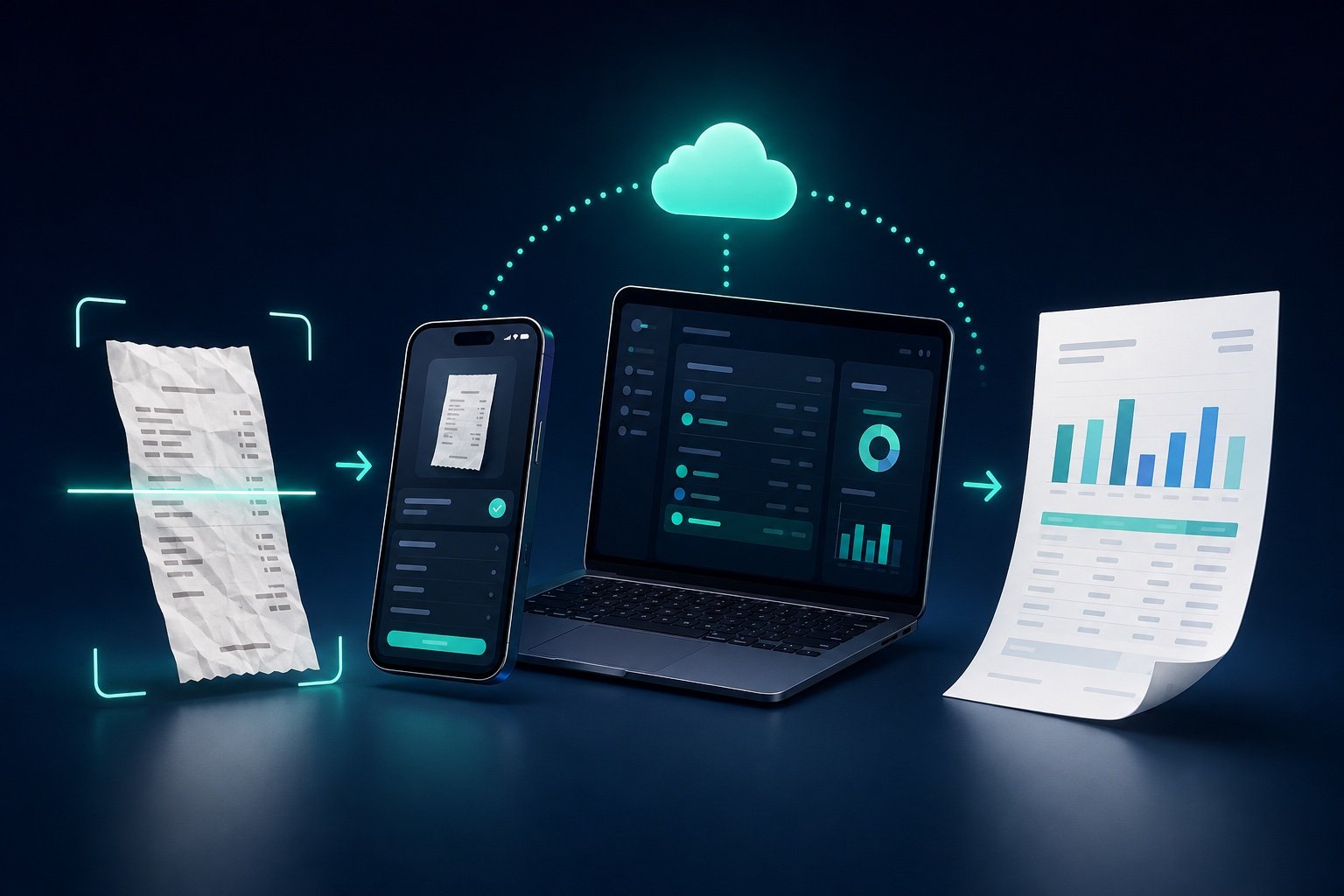
Photograph it while it is still in your hand. Receipt Manager extracts the basic transaction details and preselects the client and project from your previous entry. File receipts for work, private expenses or different entities without retyping the same information over and over.
One continuous workflow
Take a photo or choose an existing receipt image.
Vendor, date, total, tax and clear currency clues are recognised from the image.
Your previous client and project choices are ready for the next receipt.
Check the result, make any adjustment, and file it in a few taps.
Ready when reporting time comes
Receipt recognition fills the essentials. You review every value before it becomes part of your records.
Assign each receipt to the right client, project or expense context. Your last choices carry forward, and saved lists keep switching quick.
Choose a date range and generate a readable PDF plus a spreadsheet-ready CSV with the same expense data.
Keep records in your private iCloud database so your iPhone and Mac can stay in step.